The app saves text
Mark'n Memo turns speech into text. It does not save an audio recording of your voice.
 Masatiki
Mark'n Memo User Guide
Clear, step-by-step instructions for people who are new to smartphones.
01
Mark'n Memo turns speech into text. It does not save an audio recording of your voice.
There is no account-based automatic sync. Use Data management in Settings to back up important memos regularly.
Supported languages, accuracy, and network requirements vary by device, Android version, and speech recognition service.
On first launch, you must agree to the Terms of Use and acknowledge the Privacy Policy. You can exit the app if you do not agree.
First hands-on experience
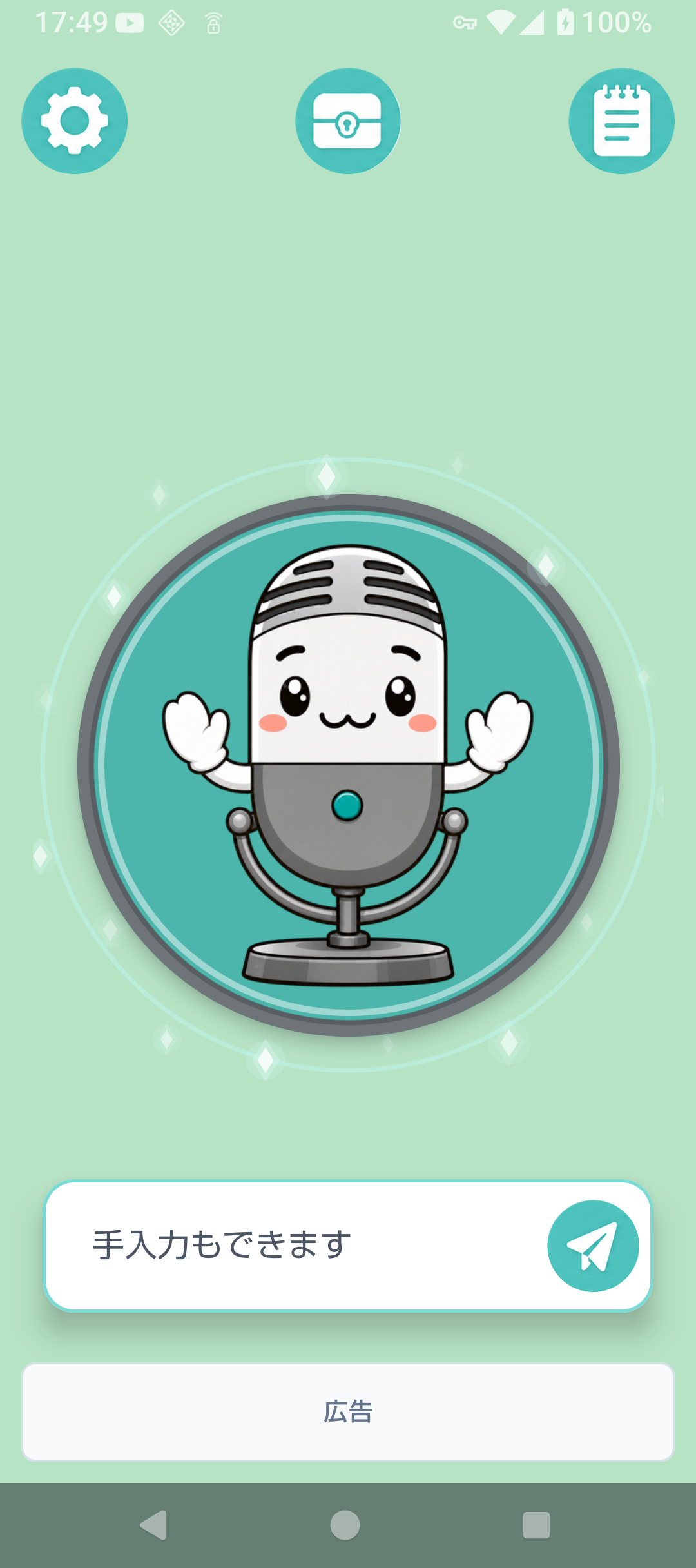
On first use, a small Markun guides you on Home after the short introduction. Read each speech bubble and tap the highlighted control yourself.
Existing users do not automatically see the hands-on guide after updating. If you have deleted all custom categories, the guide skips organizing and continues to alarms.
02
The table shows the actual icons used in Casual mode. Business mode changes their colors and style, but each icon performs the same action.
| Actual icon | Name | What it does |
|---|---|---|
 | Temporary memos | Read saved memos before organizing them into categories. |
 | Treasure chest | Open the category list. Tap a category name to read the memos stored inside. |
 | Voice input | Turns speech into a text memo. |
 | Edit | Changes memo text or a category name. |
 | Add | Adds a new memo or category. |
 | Move to category | Organizes selected temporary memos. |
 | Copy | Copies the selected memo text. |
 | Alarm | Notifies you about a memo at a chosen time. |
 | Delete | Moves selected memos to Deleted. |
 | Settings | Changes display, language, data, and other options. |
Tap the square beside “All” to select or clear every memo currently shown.
When Custom order is selected, press and hold the three-line handle, then drag the memo up or down.
03
Moving to another screen or turning off the display ends voice input for safety. Text already recognized is saved as a temporary memo when possible.
04
When a category is open, use the plus button beside its name to add a memo directly to that category. After saving, the same category stays open so you can confirm the new memo.
05
A fresh installation starts with Ideas, Shopping, and Other in the app language. You can rename or delete these categories freely. Updating does not add them to existing categories or recreate deleted ones. Changing the app language does not automatically rename saved categories.
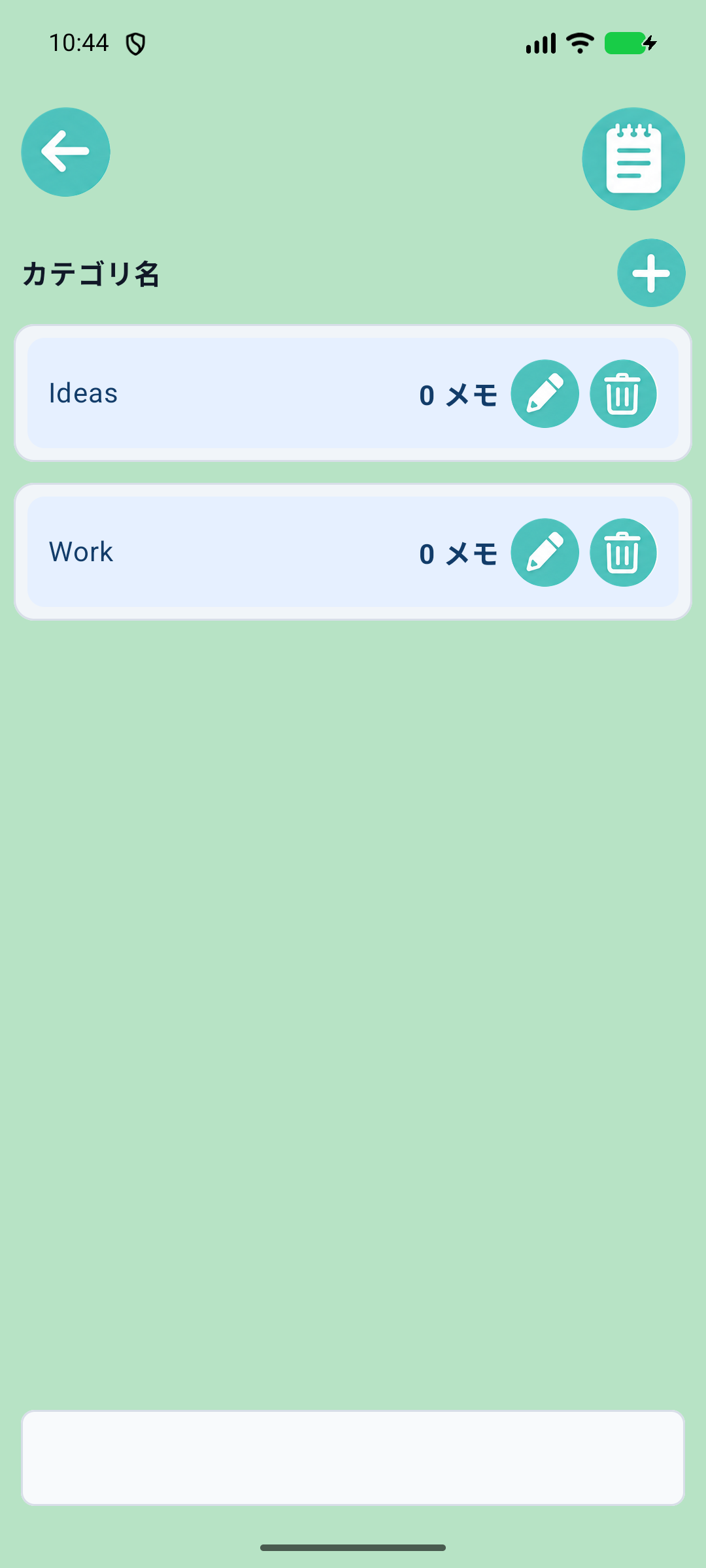
The new memo field opened with + inside a category also has a microphone. Check the recognized text and tap Save to save it in that category. It remains a draft until saved. Voice input availability depends on the device speech service.
06
The time picker shows both 24-hour time and AM/PM, for example 16:00 (4:00 PM). A past date or time displays a message and keeps the picker open so you can choose a future time.
You cannot save a time in the past. Future alarms are registered again after a device restart or app update.
07
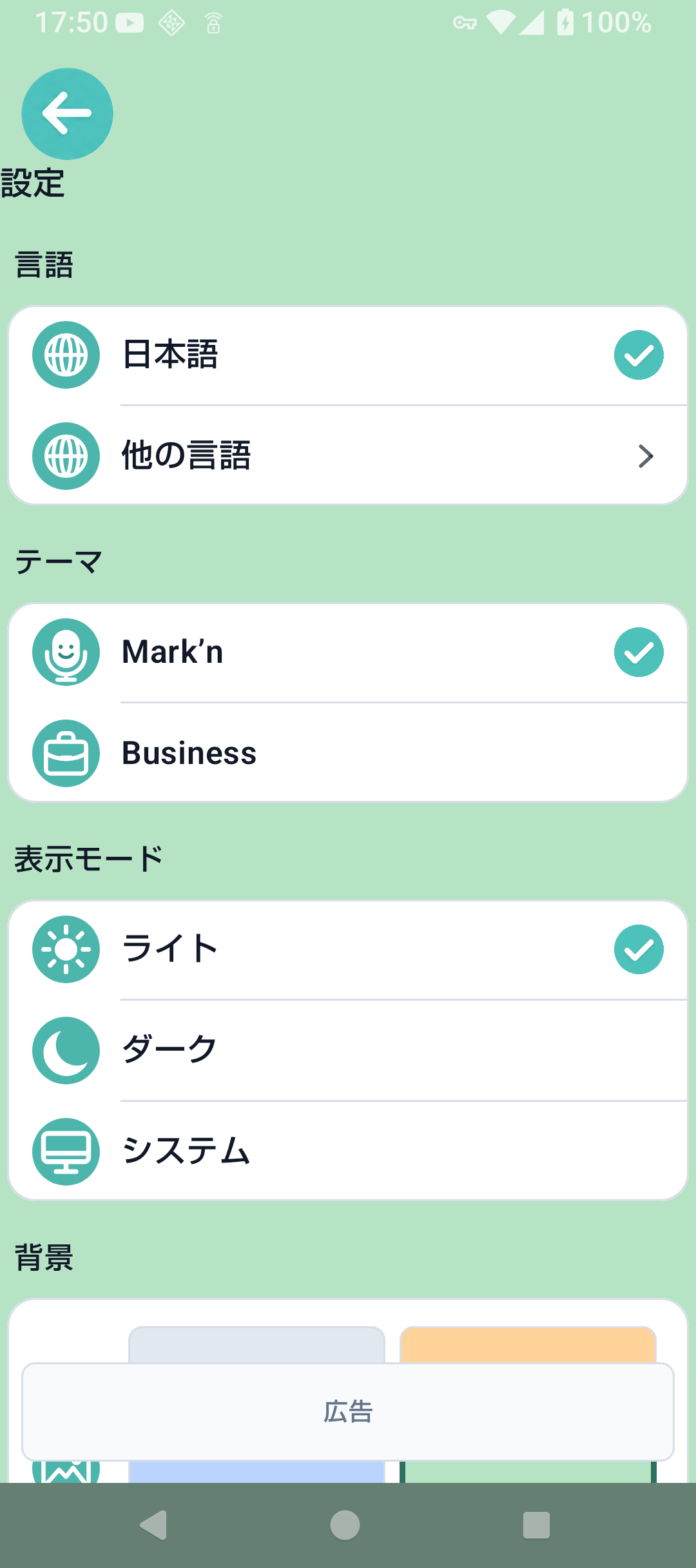
Choose the app language, light or dark theme, background color, and casual or business appearance. In Casual mode, turn on Dress-up mode to let Markun's outfit and home-screen effects change with the seasons.
Dress-up mode is off by default. Turn it on for Halloween outfits on October 10–31, Christmas outfits on December 4–25, and New Year outfits on January 1–14 each year. Markun returns to the usual seasonal outfit afterward.
For New Year, the Japanese app language shows a haori outfit; all other app languages show a shared celebration outfit. Changes follow your device's local date and work offline. During voice input, Markun keeps the outfit and presses the chest button. At New Year, the round button shows a greeting and the current year: Japanese greeting and era year for Japanese, or Happy New Year and the calendar year for other languages. Casual-mode messages also change during these periods, even when Dress-up mode is off.
In Japanese Casual mode, everyday messages change on the same schedule as seasonal outfits: spring (March–May), summer (June–August), autumn (September–November), and winter (December–February). This works offline, even with Dress-up mode off. The same message is shown throughout each day, with another entry selected the next day. Event messages take priority during special dates, then seasonal messages return. Business mode and everyday messages in other languages are unchanged.
Show or hide creation dates and change the memo order.
Protect settings and memo screens with the device fingerprint, face, PIN, pattern, or password. Home stays available for quick capture. After you enable the lock and authenticate successfully, the app returns Home and protects settings and memo screens immediately. Restarting is not required.
Open Tutorial to review the short introduction. Choose Try voice input to create a memo by speaking, organize it into a category, and try setting an alarm with the hands-on guide.
See the version, check for updates, open this guide, and read the privacy policy.
08
09
Move to a quiet place, use short sentences, and speak a little more slowly. Also confirm that the app language matches the language you are speaking.
Open Deleted in Settings. A memo more than 30 days past its deletion date is permanently removed during the next load and cannot be recovered.
In-app updates do not work for an app installed outside Google Play. A Google Play installation and a newer eligible version are required.
Confirm that it is compatible JSON created by Mark'n Memo. General TXT and CSV files cannot be imported directly. Keep the original file unchanged and retry with a copy.
Check the internet connection and browser app. Save the PDF to the device if you need an offline copy.
Support
When contacting support, include the device name, Android version, Mark'n Memo version, the action that caused the problem, and the exact message shown. Do not send private memo text.
View contact information